

Delete your SmartPOS Shopper account
You can delete your SmartPOS Shopper account at any time, directly in the app under Account › Delete my account, or with the online data request form if you no longer have the app. Deleting is permanent. Your shopper account, store memberships, Scan & Go carts and inbox are removed; stores keep their sales and invoices, as the law requires.
Before you delete
Section titled “Before you delete”- Finish open orders and bookings, or cancel them with the store. After deleting you can’t follow them in the app.
- Use or note your gift cards and store credit. Gift cards stay valid at the store, so keep the code. Saved cards in Wallet are removed with your account.
- Download receipts you want to keep. Open each receipt and tap Download PDF. See Receipts.
- Just want fewer messages? You can mute a store, leave a store, or switch off News and offers by e-mail instead.
How do I delete my account in the app?
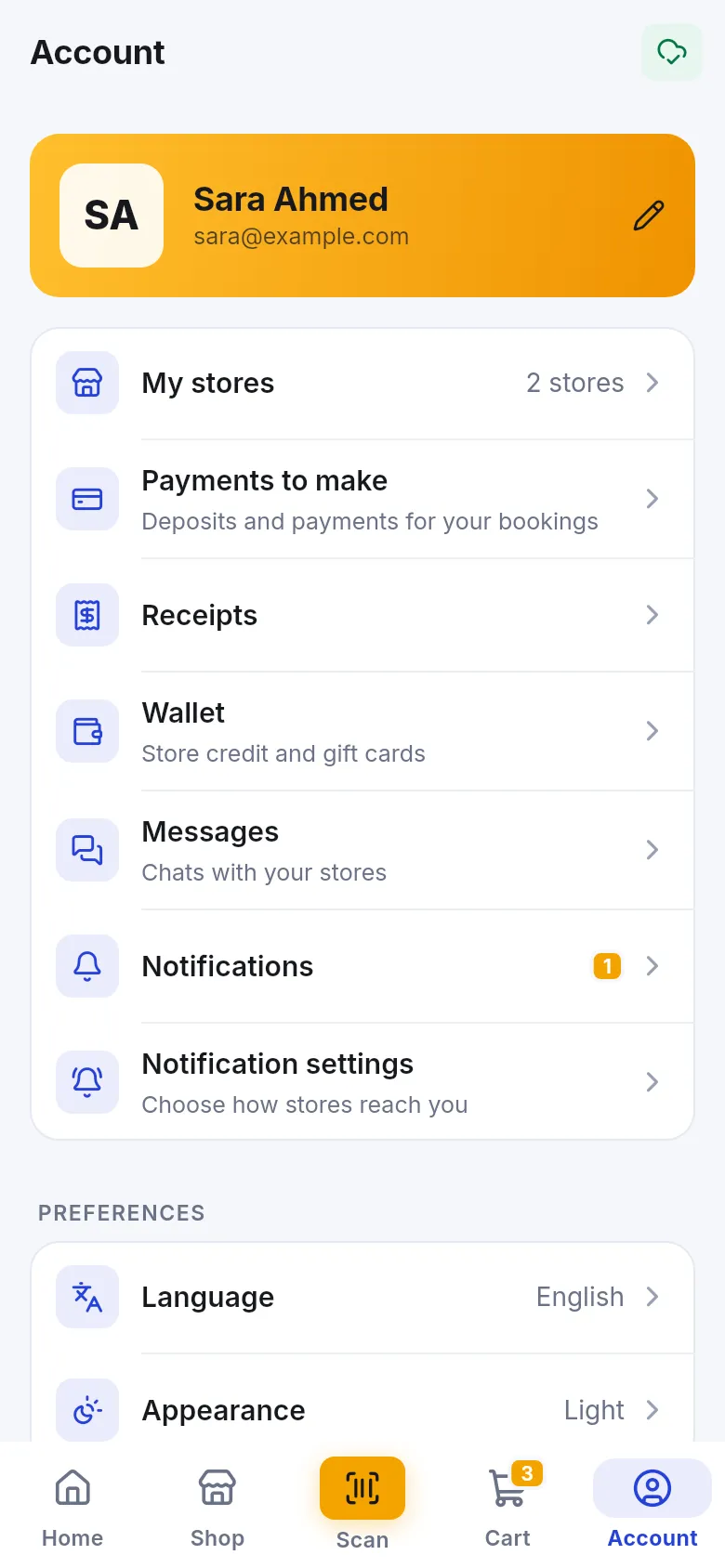
Section titled “How do I delete my account in the app?”- Open the Account tab.
- Scroll to the bottom and tap Delete my account (in red).
- Read Delete your account? – “Your shopper account, store memberships, Scan & Go carts and inbox are deleted for good. Sales and invoices stay with the stores, as the law requires.”
- In Type DELETE to confirm, type the word DELETE in capital letters.
- Tap Delete my account. The app says Your account was deleted. and returns to the sign-in screen.
How do I delete my account without the app?
Section titled “How do I delete my account without the app?”If you uninstalled the app or lost your phone:
- Open the data request form in any browser.
- Fill in the form with the e-mail address you sign in with and ask for your SmartPOS Shopper account to be deleted.
- Send the request.
Uninstalling the app alone does not delete your account.
What is deleted and what stays?
Section titled “What is deleted and what stays?”| Deleted with your account | Stays with each store |
|---|---|
| Your shopper account and sign-in | Sales, invoices and receipts the store issued |
| Your profile (name, phone, country, address, photo) | The store’s customer record with your purchase history, balance and points |
| All your store memberships | Payments, returns and refunds the store recorded |
| Scan & Go and order carts | Bookings and orders the store already received |
| Your in-app inbox and notification settings | |
| Gift cards saved in your Wallet (the cards stay valid at the store) |
To ask a store to remove your customer record too, contact that store directly, because each store manages its own records.
Frequently asked questions
Section titled “Frequently asked questions”How do I delete my SmartPOS Shopper account?
Open Account, scroll down, tap Delete my account, type DELETE in the box and confirm. The app says Your account was deleted and goes back to the sign-in screen.
Can I delete my account without the app?
Yes. Use the data request form at smartposhub.com/legal/data-request/#delete-app and ask for your SmartPOS Shopper account to be deleted. Use the e-mail address you sign in with.
Why do stores keep my receipts after I delete my account?
Sales and invoices are the store's business records and the law requires stores to keep them. Deleting your account removes your shopper account, memberships, carts and inbox, but not the store's own sales records.
Can I undo deleting my account?
No. Deletion is permanent. You can sign up again later with the same e-mail, but it will be a new, empty account and you will need to join your stores again.
Should I use my gift cards and store credit first?
Yes, if you can. Gift cards stay valid at the store, but your saved cards in Wallet are removed with your account. Keep the gift card code, or use store credit at the store, before you delete.
Is signing out the same as deleting?
No. Signing out only removes your data from this phone, and your account stays. Deleting removes your account everywhere.